
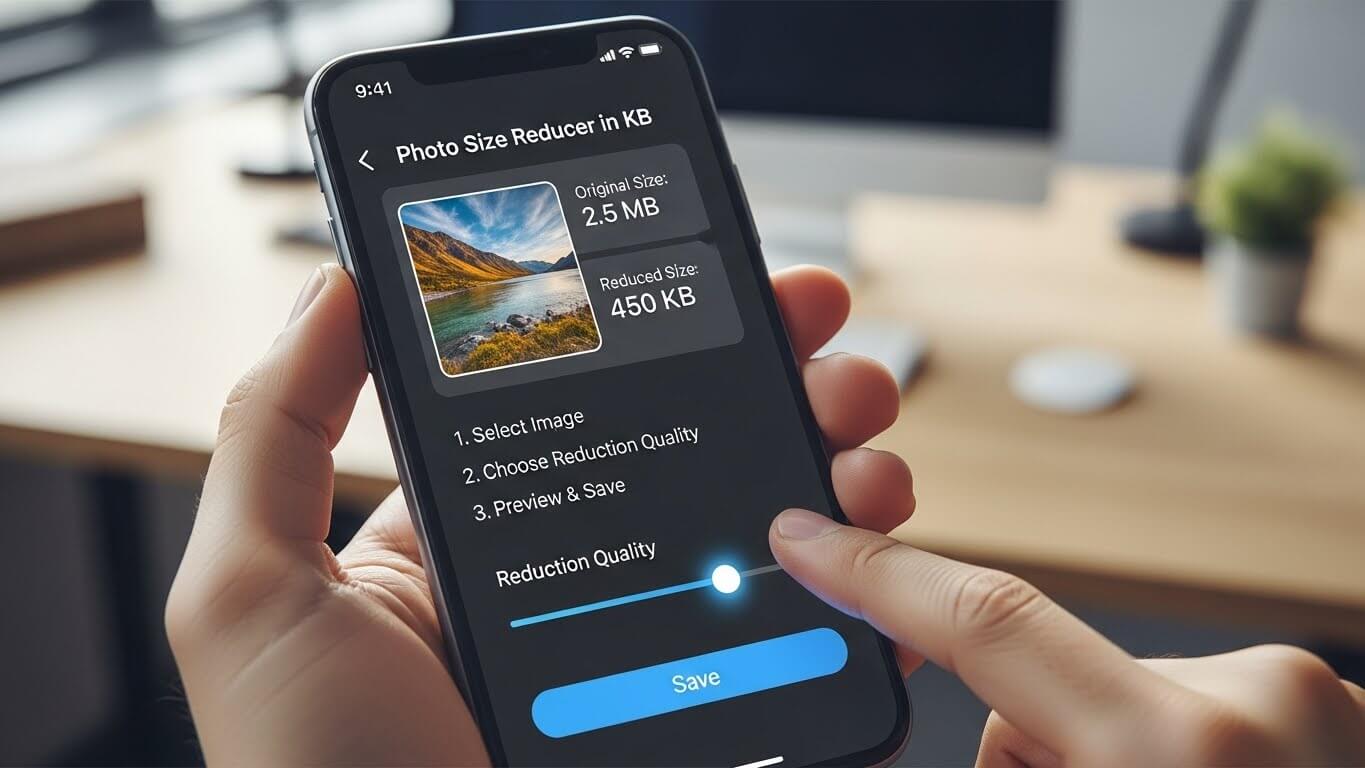
In the digital age, images are everywhere—websites, social media, emails, online forms, and official documents. However, large image files often create problems. Many platforms restrict file sizes, usually in kilobytes (KB). That’s why people frequently search for a photo size reducer in KB and want to know how to reduce photo size effectively.
If you’ve ever tried uploading a photo and received an error saying “file size too large,” you already understand the frustration. Luckily, learning how to reduce photo size in KB is simple, even if you’re not tech-savvy.
This comprehensive guide explains everything you need to know—from tools and methods to best practices—so you can resize and compress images confidently without losing quality.
What Is a Photo Size Reducer in KB?
A photo size reducer in KB is a tool or method that decreases the file size of an image so it meets specific size requirements, such as 20KB, 50KB, 100KB, or 200KB. These tools optimize images by removing unnecessary data while keeping them visually clear.
Photo size reducers are commonly used for:
- Online forms and applications
- Website uploads
- Social media posts
- Email attachments
- Government or exam portals
Most platforms specify image limits in kilobytes, not megabytes. That’s why reducing photo size in KB is so important.
Why You Need to Reduce Photo Size
Understanding how to reduce photo size is essential for both personal and professional use. Here’s why it matters:
1. Upload Requirements
Many websites only accept images under a specific KB limit. Without reducing size, uploads fail.
2. Faster Website Speed
Smaller images load faster, improving user experience and SEO rankings.
3. Easy Sharing
Compressed images are easier to send via email, WhatsApp, or cloud storage.
4. Storage Efficiency
Reducing photo size saves space on your phone, computer, or server.
How Photo File Size Works (Simple Explanation)
Before learning how to reduce photo size in KB, it helps to understand what affects image size:
| Factor | Effect on File Size |
|---|---|
| Image dimensions | Larger width/height = bigger file |
| Image format | PNG > JPG > WebP |
| Color depth | More colors = larger size |
| Metadata | Extra data increases size |
| Compression level | Higher compression = smaller size |
A good photo size reducer in KB optimizes these factors automatically.
Best Image Formats for Reducing Size
Choosing the right format makes reducing photo size easier.
JPEG (JPG)
- Best for photos
- Smaller file size
- Slight quality loss
PNG
- High quality
- Larger file size
- Good for logos and text
WebP
- Modern format
- Excellent compression
- Smaller size with good quality
For most cases, converting images to JPG or WebP is ideal when reducing photo size in KB.
How to Reduce Photo Size (Beginner-Friendly Methods)
Let’s explore the most effective ways to reduce photo size.
Method 1: Use an Online Photo Size Reducer in KB
Online tools are the easiest solution. They work directly in your browser and require no installation.
Steps:
- Open an online photo size reducer
- Upload your image
- Select target size in KB (if available)
- Adjust compression level
- Download the optimized image
Popular tools allow you to reduce photo size to exact KB values, such as 50KB or 100KBMethod 2: Resize Image Dimensions
Reducing image dimensions is one of the fastest ways to lower file size.
Example:
- Original: 4000 × 3000 pixels
- Reduced: 1200 × 800 pixels
This alone can reduce photo size by more than 70%.
Most photo size reducer in KB tools combine resizing and compression automatically.
Method 3: Compress Images Without Losing Quality
Compression removes unnecessary image data.
There are two types:
- Lossy compression – smaller size, slight quality loss
- Lossless compression – no visible quality loss, moderate size reduction
For online use, lossy compression works perfectly when done correctly.
How to Reduce Photo Size in KB for Specific Needs
Different platforms require different image sizes.
For Online Forms
Most forms accept images under 100KB or 200KB. Use a photo size reducer in KB that lets you manually set size limits.
For Websites
Images between 50KB–150KB are ideal for fast loading and SEO.
For Email Attachments
Try to keep images under 500KB to avoid delivery issues.
How to Reduce Photo Size on Mobile
You don’t need a computer to reduce image size.
On Android:
- Use browser-based photo size reducers
- Adjust compression sliders
- Download optimized image
On iPhone:
- Use Safari-based tools
- Convert images to JPG
- Reduce resolution if needed
Most online tools are mobile-friendly and work smoothly.
Common Mistakes When Reducing Photo Size
Avoid these errors:
- Over-compressing images
- Ignoring image preview
- Using wrong image format
- Reducing size too much, causing blur
Always preview your image before final use.
Security and Privacy When Using Online Tools
When using an online photo size reducer in KB, make sure the tool:
- Uses HTTPS encryption
- Automatically deletes uploaded images
- Does not store personal data
Avoid uploading sensitive or confidential images to unknown platforms.
Benefits of Using a Photo Size Reducer in KB
Here’s what you gain:
- Time savings
- Fewer upload errors
- Better website performance
- Professional-looking images
- Improved SEO
Once you learn how to reduce photo size, it becomes a valuable everyday skill.
Final Thoughts
Learning how to reduce photo size is no longer optional—it’s a digital necessity. Whether you’re submitting forms, uploading to websites, or sharing images online, knowing how to reduce photo size in KB saves time and avoids frustration.
A reliable photo size reducer in KB helps you compress images efficiently while maintaining quality. With the right tools and techniques, you can meet any file size requirement confidently.
Start optimizing your images today—and enjoy faster uploads, better performance, and smoother digital experiences.
FAQs
1. What is the best photo size reducer in KB?
The best tool is one that allows you to set a specific KB target and preview quality before download.
2. How can I reduce photo size without losing quality?
Use moderate compression and avoid excessive resizing. Lossless compression also helps.
3. Can I reduce photo size to exact KB?
Yes, many tools let you reduce photo size in KB such as 20KB, 50KB, or 100KB.
4. Does reducing photo size affect image clarity?
If done correctly, image quality remains visually intact.
5. Is it safe to use online photo size reducers?
Yes, as long as you use reputable tools with clear privacy policies.
6. Which image format is best for reducing size?
JPEG and WebP provide the best balance between quality and size.