
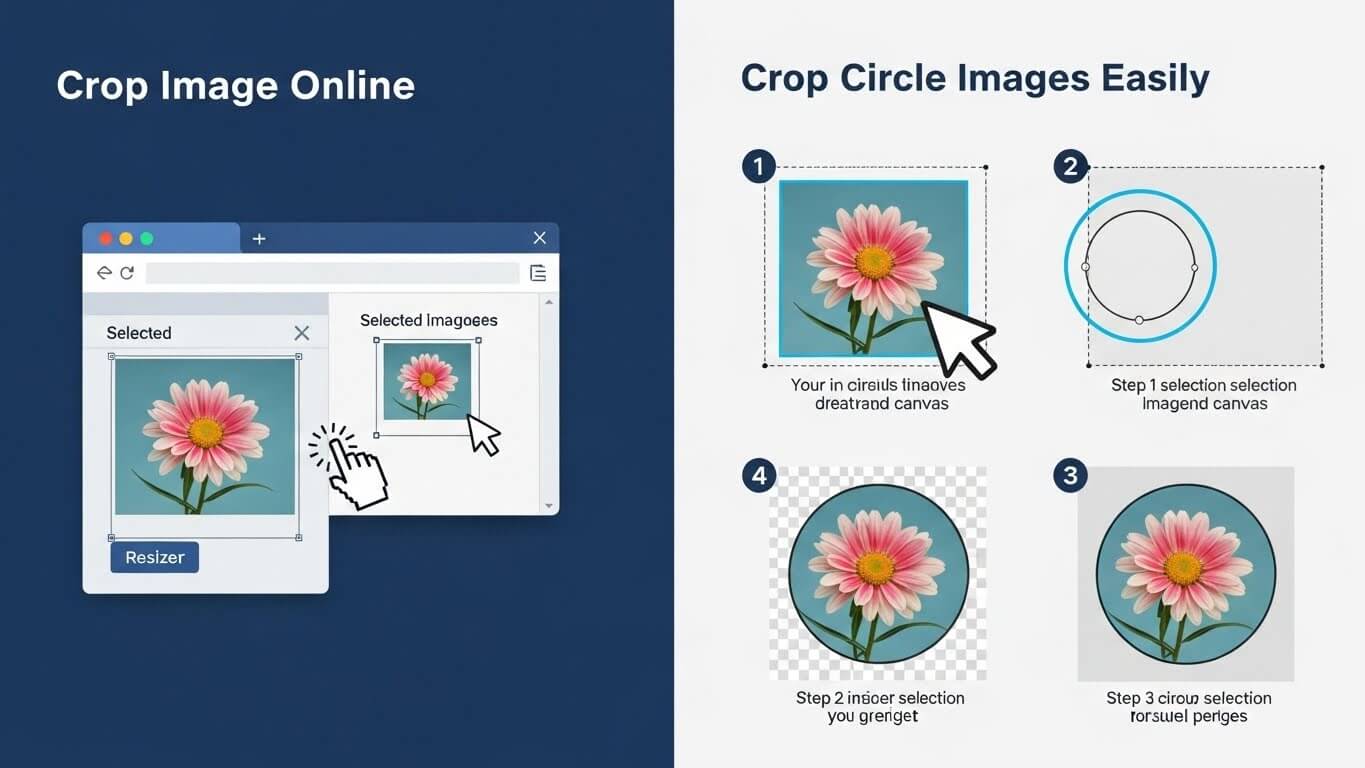
Images are a vital part of today’s digital communication. From social media profiles and websites to official documents and marketing materials, images help convey messages quickly and visually. However, not every image fits perfectly as captured. That’s where the need to crop image becomes essential.
Whether you want to remove unwanted areas, adjust image composition, or create a perfect profile picture, knowing how to crop image online can save time and effort. Even more popular today is the ability to crop circle images, especially for social media avatars, logos, and thumbnails.
This detailed guide explains everything you need to know about cropping images—tools, techniques, best practices, and common mistakes—so you can get professional-looking results with ease.
What Does It Mean to Crop an Image?
To crop image means removing unwanted outer areas while keeping the most important part intact. Cropping helps improve focus, composition, and usability of images.
Cropping is commonly used to:
- Remove background distractions
- Adjust image size for platforms
- Highlight a subject
- Create profile or display images
- Improve visual balance
When done correctly, cropping enhances image quality and visual appeal.
Why Cropping Images Is Important
Image cropping is more than just trimming edges. It plays a major role in presentation and performance.
1. Better Visual Focus
Cropping directs attention to the main subject of the image.
2. Platform Compatibility
Different platforms require specific image dimensions. Cropping ensures a perfect fit.
3. Professional Appearance
Well-cropped images look polished and intentional.
4. Improved Engagement
Clear, focused images attract more clicks and views.
This is why tools that allow you to crop image online are widely used today.
What Is Crop Image Online?
Crop image online refers to using browser-based tools that let you crop images without installing software. These tools are fast, convenient, and beginner-friendly.
Benefits of online image cropping include:
- No downloads required
- Works on all devices
- Simple user interface
- Instant results
You only need an internet connection and a browser.
Common Image Formats Supported
Most online tools support popular image formats, including:
- JPG / JPEG
- PNG
- GIF
- BMP
- WebP
You can easily upload any of these formats and crop image online within seconds.
How to Crop Image Online: Step-by-Step Guide
Cropping an image online is simple. Here’s how it works:
Step 1: Choose an Online Crop Tool
Open a trusted image cropping website.
Step 2: Upload Your Image
Select the image from your device.
Step 3: Select Crop Area
Drag the crop box to cover the desired area.
Step 4: Adjust Dimensions
Resize or rotate if needed.
Step 5: Crop and Download
Click crop and download the final image.
That’s it—no technical skills required.
What Are Crop Circle Images?
Crop circle images are images cropped into a circular shape instead of the traditional square or rectangle. These are extremely popular for:
- Social media profile pictures
- Company logos
- App icons
- Team member photos
- Thumbnails
Circular images give a clean, modern, and professional look.
Why Crop Circle Images Are So Popular
The demand to crop circle images has increased due to design trends and platform requirements.
Key Reasons:
- Social media platforms display profile images in circles
- Circular images look clean and stylish
- They focus attention on the subject
- Ideal for branding and identity
Using a proper tool to crop image into a circle ensures perfect alignment and balance.
How to Crop Circle Images Online
Follow these easy steps to crop circle images online:
- Open a crop image online tool
- Upload your image
- Select “Circle Crop” option
- Adjust image positioning
- Apply crop
- Download circular image (usually PNG format)
PNG is preferred because it supports transparent backgrounds.
Square vs Circle Cropping: What’s Better?
| Feature | Square Crop | Circle Crop |
|---|---|---|
| Best for | Websites, banners | Profile pictures |
| Background | Visible corners | Clean edges |
| Style | Traditional | Modern |
| Platform use | Blogs, ads | Social media |
Choose the style based on where the image will be used.
Best Practices When You Crop Image
To get the best results, keep these tips in mind:
- Center the main subject
- Avoid cutting important details
- Maintain image resolution
- Preview before downloading
- Use high-quality original images
Good cropping improves clarity and impact.
Crop Image Online for Social Media Platforms
Each platform has its own image display style.
Facebook & Instagram
Profile pictures appear as circles. Always crop circle images carefully to avoid cutting faces.
Circular profile photos with clean backgrounds perform best.
YouTube
Channel icons are circular, so center logos and faces.
Cropping properly ensures your image looks great everywhere.
Crop Image for Professional Use
Cropping isn’t just for social media.
Professionals use image cropping for:
- Resumes and CVs
- Company websites
- Marketing materials
- Presentations
- ID cards
A well-cropped image adds credibility and professionalism.
Common Mistakes to Avoid When Cropping Images
Avoid these common errors:
- Cropping too tightly
- Cutting off faces or text
- Using low-resolution images
- Ignoring aspect ratio
- Over-editing
Take a moment to preview the final result before saving.
Image Quality After Cropping
Cropping itself does not reduce image quality. However:
- Excessive zooming can cause pixelation
- Low-resolution images may blur
Always start with a high-quality original image for best results.
Security & Privacy When Using Online Tools
When you crop image online, choose tools that:
- Use HTTPS encryption
- Automatically delete uploaded images
- Don’t store files permanently
Avoid uploading sensitive or confidential images.
Advantages of Cropping Images Online
Here’s why online cropping tools are so popular:
- Free and easy to use
- No software installation
- Works on mobile and desktop
- Fast processing
- Beginner-friendly
Whether you want to crop image quickly or create crop circle images, online tools are ideal.
Final Thoughts
Learning how to crop image properly is a simple yet powerful skill. Whether you want to crop image online for convenience or create clean, professional crop circle images, the right tools make the process fast and effortless.
With proper cropping, your images look sharper, more engaging, and perfectly suited for any platform. From social media profiles to business documents, image cropping helps you present visuals with confidence and clarity.
FAQs
1. Is it safe to crop image online?
Yes, as long as you use trusted tools with proper security policies.
2. Can I crop circle images for free?
Yes, many online tools allow you to crop circle images at no cost.
3. Does cropping reduce image quality?
No, cropping does not reduce quality unless you zoom excessively.
4. What format is best for circular images?
PNG is best because it supports transparent backgrounds.
5. Can I crop images on my phone?
Yes, most online crop tools are mobile-friendly.
6. Can I crop multiple images at once?
Some tools support batch cropping, depending on features.