
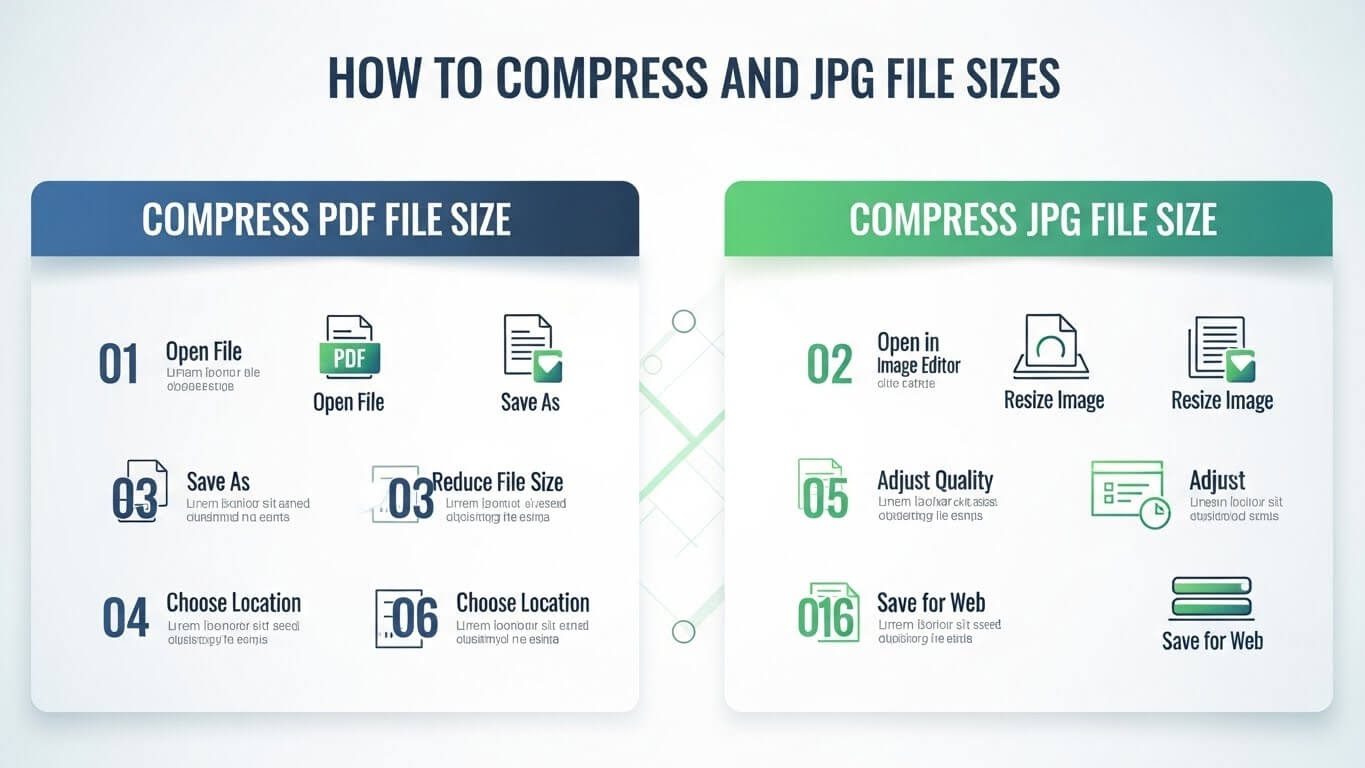
In today’s digital world, documents and images are shared every second. From business reports and academic assignments to scanned IDs and photographs, files are constantly uploaded, emailed, and stored online. However, large files can cause serious problems. Upload limits, slow loading times, and email restrictions often force users to search for ways to compress PDF file size or compress JPG file quickly.
If you’ve ever seen an error saying “file size exceeds the limit,” you already know the struggle. The good news is that learning how to compress PDF file and images is easy, even for beginners.
This complete guide explains everything you need to know about compressing PDF and JPG files effectively, safely, and without losing quality.
What Does Compressing a File Mean?
File compression reduces the size of a file by optimizing its internal data. When you compress PDF file size or compress JPG file, unnecessary data is removed while keeping the file usable and visually clear.
Compression helps in:
- Faster uploads and downloads
- Easier email sharing
- Reduced storage usage
- Better website performance
Compression does not mean deleting important content—it means optimizing it.
Why You Need to Compress PDF File Size
PDF files are widely used for documents, contracts, resumes, and scanned records. However, PDFs can become very large, especially when they contain images or scans.
Here’s why you should compress PDF file size:
1. Upload Restrictions
Many websites limit PDF uploads to 2MB or 5MB. Compression helps meet these limits.
2. Faster Sharing
Compressed PDFs upload and download faster, especially on slow internet connections.
3. Storage Savings
Smaller PDF files take less space on devices and cloud storage.
4. Professional Use
Clients, universities, and offices often require compressed PDFs for submissions.
Why Compress JPG File Images?
JPG (or JPEG) images are popular because they balance quality and size. However, high-resolution JPGs can still be very large.
You may need to compress JPG file when:
- Uploading images to websites
- Sending photos via email or WhatsApp
- Submitting online forms
- Improving website speed and SEO
Compressed JPG images load faster and look professional when optimized properly.
How PDF and JPG File Sizes Increase
Understanding what makes files large helps you compress them better.
| Factor | Effect on File Size |
|---|---|
| High-resolution images | Larger PDF/JPG files |
| Scanned documents | Very large PDFs |
| Embedded fonts | Increased PDF size |
| Metadata | Extra hidden data |
| Color depth | Bigger image files |
A good compression method targets these factors.
How to Compress PDF File Size (Beginner-Friendly Methods)
Let’s explore the easiest and most effective ways to compress PDFs.
Method 1: Compress PDF File Online
Online tools are the most popular way to compress PDF file size because they’re fast and simple.
Steps:
- Open an online PDF compressor
- Upload your PDF file
- Choose compression level (low, medium, high)
- Click compress
- Download the smaller PDF
Many tools reduce file size by up to 70% without visible quality loss.
Method 2: Compress Scanned PDFs
Scanned PDFs are usually very large because they contain images instead of text.
To compress scanned PDFs:
- Reduce image resolution
- Convert color scans to grayscale
- Remove unnecessary pages
This method works especially well for official documents.
Method 3: Remove Unnecessary Elements
Some PDFs contain:
- Embedded fonts
- Hidden metadata
- Duplicate images
Removing these elements helps compress PDF file size efficiently.
How to Compress JPG File Without Losing Quality
Now let’s focus on image compression.
Method 1: Use Online JPG Compression Tools
Online tools make it easy to compress JPG file instantly.
Steps:
- Upload JPG image
- Adjust compression slider
- Preview compressed image
- Download optimized JPG
Most tools balance quality and size automatically.
Method 2: Resize JPG Image Dimensions
Reducucing image width and height dramatically lowers file size.
Example:
- Original: 4000 × 3000 pixels
- Reduced: 1200 × 900 pixels
This alone can reduce file size by over 60%.
Method 3: Convert JPG to Modern Formats
Converting JPG images to WebP can reduce file size even further while keeping excellent quality. This is especially useful for websites.
Compress PDF File Size for Different Uses
Different platforms require different file sizes.
For Email Attachments
Try to keep PDFs under 10MB to avoid delivery issues.
For Online Forms
Many portals require PDFs under 2MB or 5MB.
For Websites
Smaller PDFs improve page speed and user experience.
Compress JPG File for Web & Social Media
Websites and social platforms perform best with optimized images.
| Platform | Recommended JPG Size |
|---|---|
| Websites | 50KB – 150KB |
| Under 500KB | |
| Social Media | Under 1MB |
Compressing images improves loading speed and SEO rankings.
Common Mistakes When Compressing Files
Avoid these common errors:
- Over-compressing files
- Ignoring preview before download
- Compressing multiple times (quality loss)
- Using unreliable tools
Always check file quality after compression.
Is It Safe to Compress Files Online?
Yes—if you choose reputable platforms.
Safe compression tools:
- Use HTTPS encryption
- Automatically delete uploaded files
- Don’t store documents permanently
Avoid uploading sensitive documents to unknown websites.
Benefits of Compressing PDF and JPG Files
Compressing files offers many advantages:
- Faster uploads
- Easy sharing
- Reduced storage costs
- Better website performance
- Improved SEO
Knowing how to compress PDF file and compress JPG file saves time and effort.
Conclusion
Large files no longer need to slow you down. Whether you want to compress PDF file size for official documents or compress JPG file for websites and sharing, the right techniques make all the difference.
Learning how to compress PDF file and images helps you save time, meet upload limits, and improve performance across platforms. With modern tools and smart compression methods, you can reduce file sizes without sacrificing quality.
FAQs
1. How much can I compress PDF file size?
You can usually reduce PDF size by 50–70% without losing quality.
2. Will compressing JPG reduce image quality?
Slight compression doesn’t affect visual quality when done correctly.
3. Can I compress PDF file online for free?
Yes, many tools offer free compression with size limits.
4. Is it safe to compress confidential PDFs online?
Use trusted tools that delete files automatically after processing.
5. What is the best format for images after compression?
JPG and WebP offer the best balance between quality and size.
6. Can I compress multiple files at once?
Yes, many tools support batch compression for PDFs and JPGs.